
What Smplify MCP is and how it works
Smplify MCP is the hosted Model Context Protocol gateway for the Smplify Platform. MCP-capable clients connect to one OAuth-protected endpoint to inspect fleet state, answer operational questions, and carry out approved admin workflows.
What is MCP?
MCP, or Model Context Protocol, is an open standard for connecting AI applications to external systems like tools, data, and workflows. If you want the broader background first, read the official MCP introduction.
Why teams use Smplify MCP
Model Context Protocol gives AI clients a standard way to discover tools and call them safely. For Smplify, that means teams can connect once and let an MCP-capable client translate natural-language requests into live Smplify operations using a resource-bound MCP token and the permissions of the connected Smplify account.
Instead of hand-writing API calls or building a custom gateway for each client, operators get one hosted MCP endpoint, one connection flow, and one shared set of docs for connection, reference, and security guidance.
What Smplify MCP can enable
- Review devices, policies, apps, users, and enrollment posture before a change is made.
- Prepare rollout plans, remediation candidates, and admin summaries in natural language.
- Support approved actions through the hosted gateway when a trusted operator explicitly confirms them.
- Make the same Smplify workflows available across multiple MCP-capable clients without rebuilding integrations for each one.
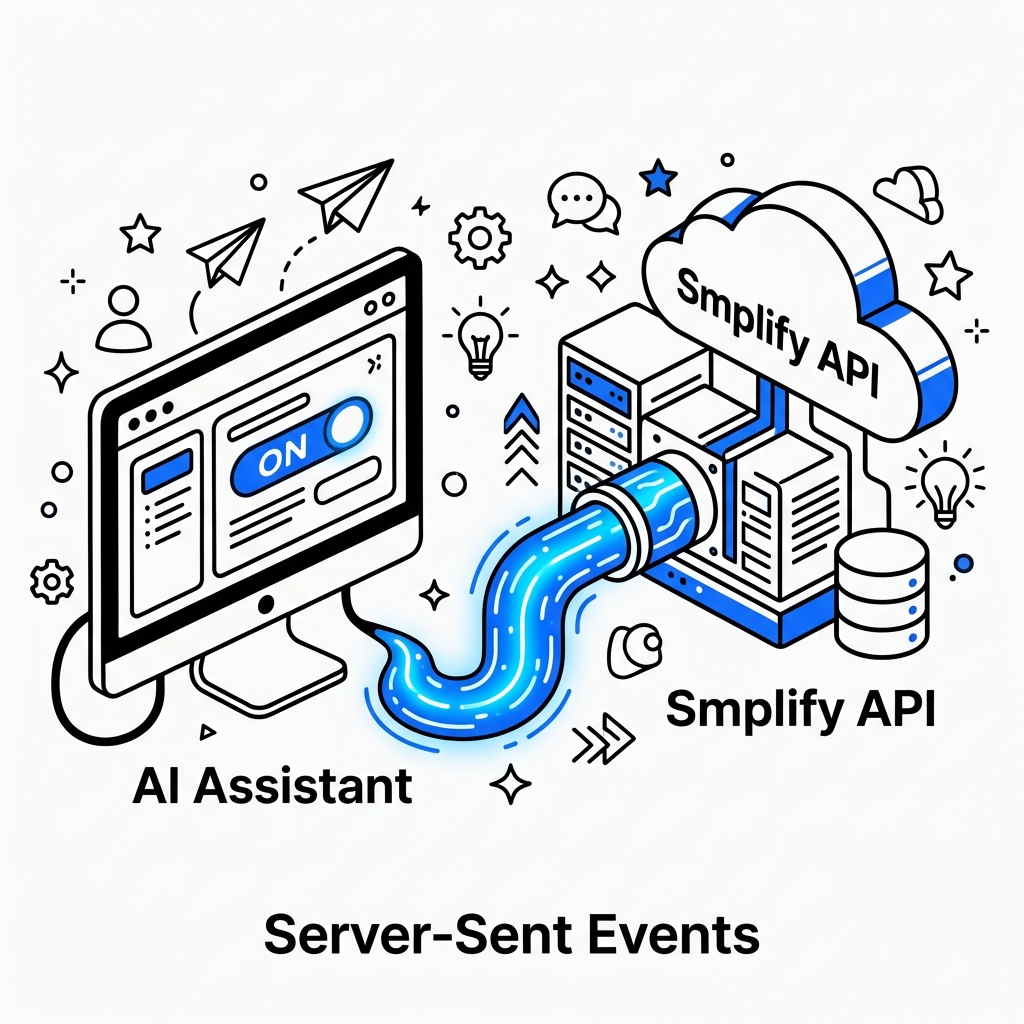
MCP provides the standard connection layer. Smplify MCP adds the hosted endpoint, OAuth boundary, and operational guidance around it.
How the hosted flow works
The hosted implementation follows MCP authorization discovery and OAuth 2.1 with PKCE. Any upstream Smplify API credential remains inside Smplify’s private connector vault.
1. Connect the client
Users add the canonical endpoint without custom headers. The client discovers Smplify authorization and opens the hosted sign-in flow.
2. Call the hosted MCP endpoint
The client sends MCP requests to /mcp over Streamable HTTP with an audience-bound token obtained through OAuth.
3. Execute with tenant-scoped permissions
The gateway validates issuer, audience, scopes, and connector state before making tenant-scoped Smplify tool calls.
Where to go next
- Go to Reference for supported tools, live controller coverage, uptime, and gateway status.
- Go to Connection Guide when you are ready to install Smplify MCP in a supported client.
- Go to Security if your team wants to review hosted controls, control boundaries, and customer best practices before rollout.